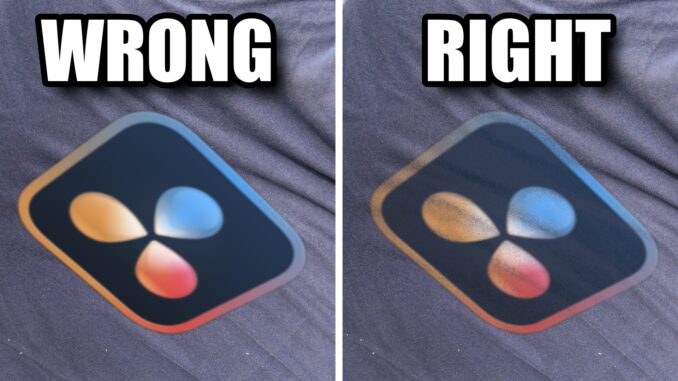
Ever tracked a logo or graphic onto a shirt in DaVinci Resolve, only for it to look like a flat, digital sticker?
In this DaVinci Resolve Fusion tutorial, we are fixing that exact amateur mistake. I’m showing you a powerful, step-by-step workflow using the Brightness/Contrast node to perfectly preserve the natural fabric texture, wrinkles, and lighting of any surface you are tracking to. Whether it’s a t-shirt, a textured wall, or rough canvas, this quick technique ensures your VFX graphics conform realistically instead of looking completely fake.
Stop slapping flat elements onto your footage—let’s make your tracking look seamless and professional.
-John