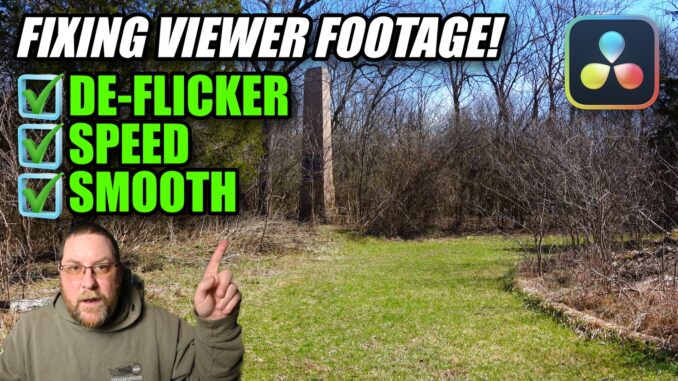
Today, we’re taking a look at some footage from @MyCuriousJournal , who sent me a question – and the footage they were having a problem with! We’re going to slow it down, then use the Deflicker and Optical Flow features of Davinci Resolve Studio – sorry, if you have the Free version of Resolve, you won’t have access to these features. Even if you DO have the free version, I’ll show you how to improve your playback to make it smooth.
-John