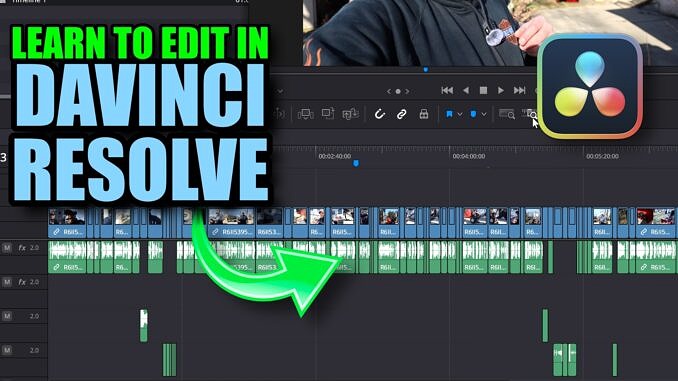
If you’re new to Davinci Resolve, THIS is the video for you! I’ll walk you through everything, from setting up the screen (your workspace), to adding footage, editing, stabilization, basic color grading and sound design, and finally rendering out a video I published on my other channel! There are chapters, so you can skip around, and below there are a bunch of links to other videos that go more in-depth on Resolve’s features that I use regularly to edit my videos.
Yep, I totally got ahead of myself and ran out of info cards, so here are some handy links to videos that’ll help you expand upon what I showed in this video:
Customize Your Space video
Fusion Tutorial Playlist
How to create Fairlight Presets
Audio Plugins I use
How to use Power Bins and Power Grades
Free Sound Effects: FREESOUND.ORG
How to use Magic Mask 2.0
Logo Shine Video
Stabilization in Davinci Resolve
Letterbox Effect Video
AI Audio Assistant Video
How to create Render Presets
-John