
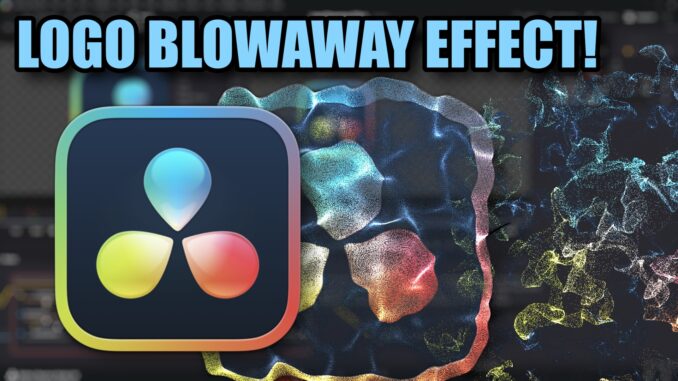
After a long time of tinkering with the Fusion page of Davinci Resolve, I got the pieces put together in my head – and in Resolve – to get this effect to work. So today, I’m here to show you how to create this drag & drop effect from start to finish to saving it as a Fusion Effect so you can reuse it in your OWN projects! And yes, I’m looking at my 2nd screen… because it’s a lot of steps – and I STILL got one wrong! I totally missed a step (which proves a point), but I’ll show that to you before we save the effect, so no harm done, right?
-John
Leave a Reply