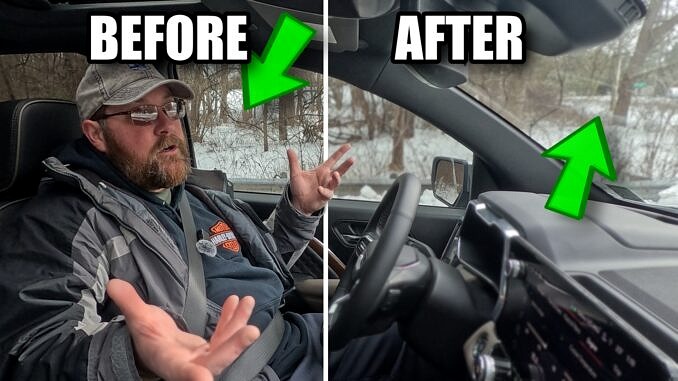
I filmed using a GoPro Hero 13, but you can use any action camera to achieve this effect – as long as you have Davinci Resolve 20 Studio. Sorry, Resolve Free users, this effect is unavailable to you. I’ll show you how to save the color grade for future use, too – enjoy!
If you’d like to see the final video, which used this effect throughout, click here.
-John
Leave a Reply